LiDAR Scanning
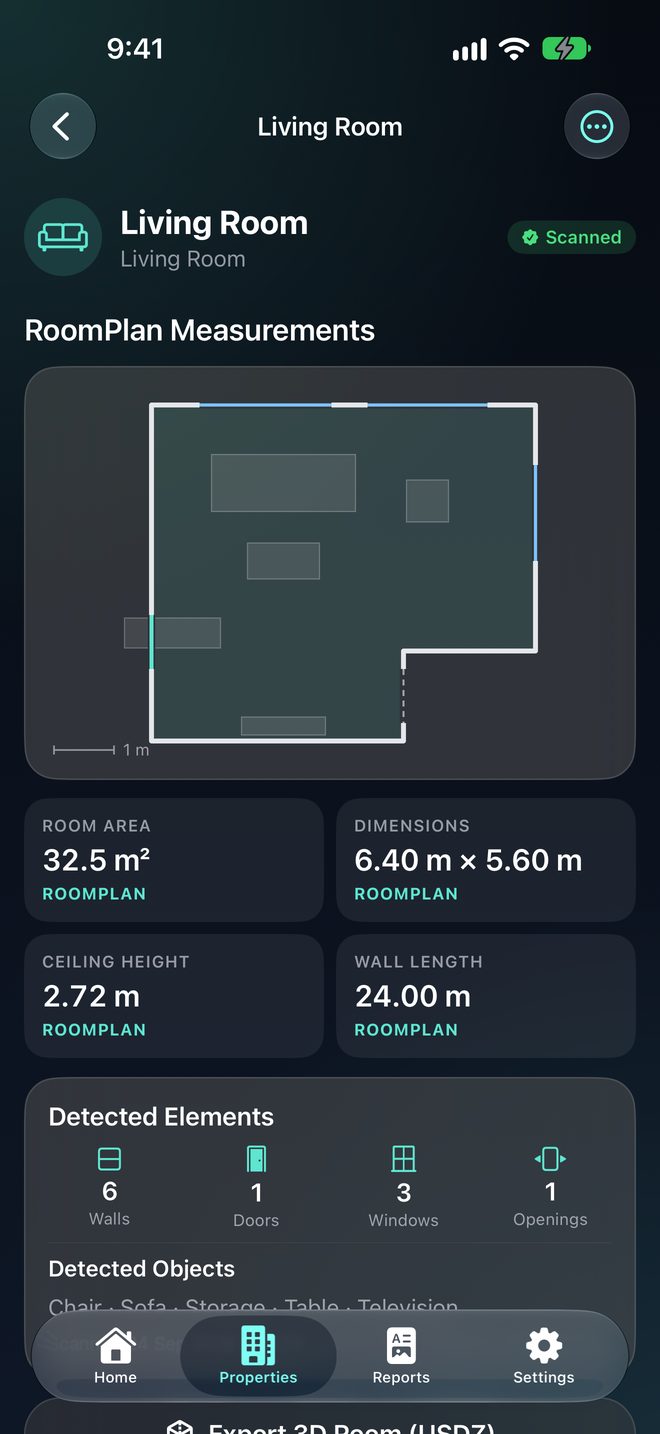
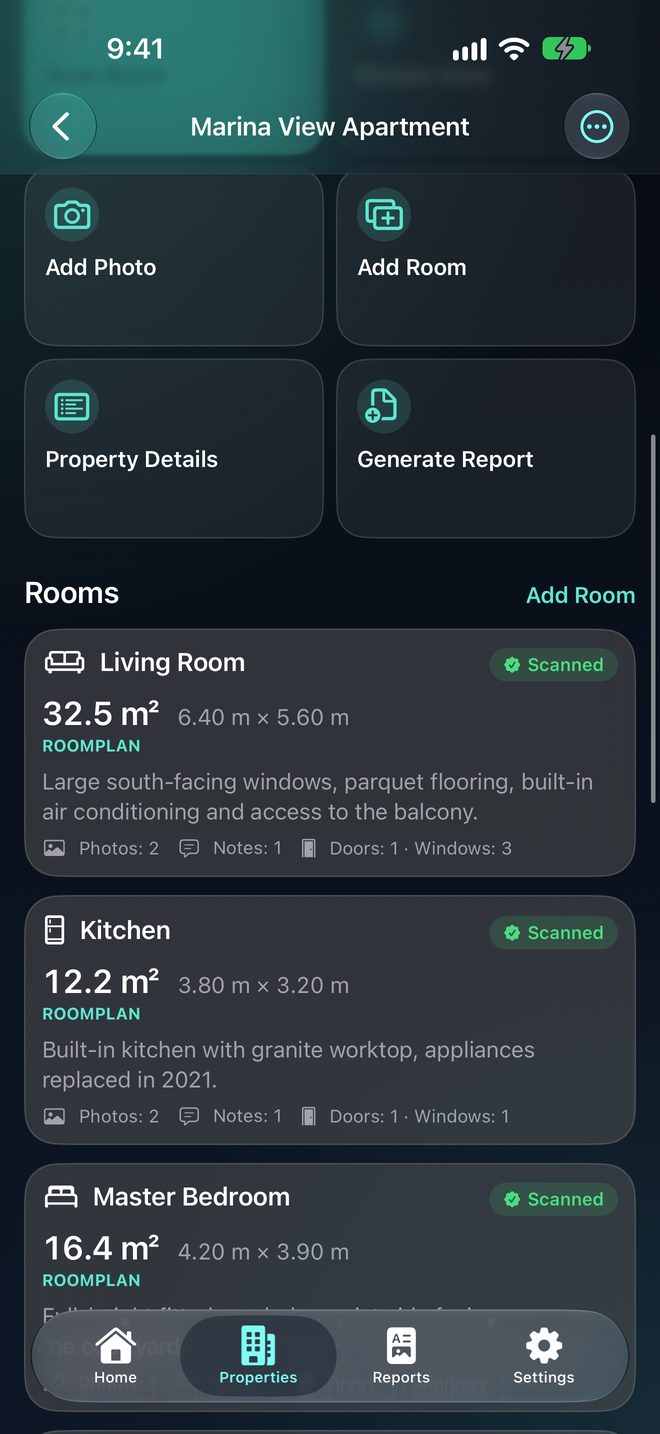
Capture rooms, walls, openings and spatial information using Apple's RoomPlan framework on supported LiDAR devices.
Real estate walkthrough app for iPhone
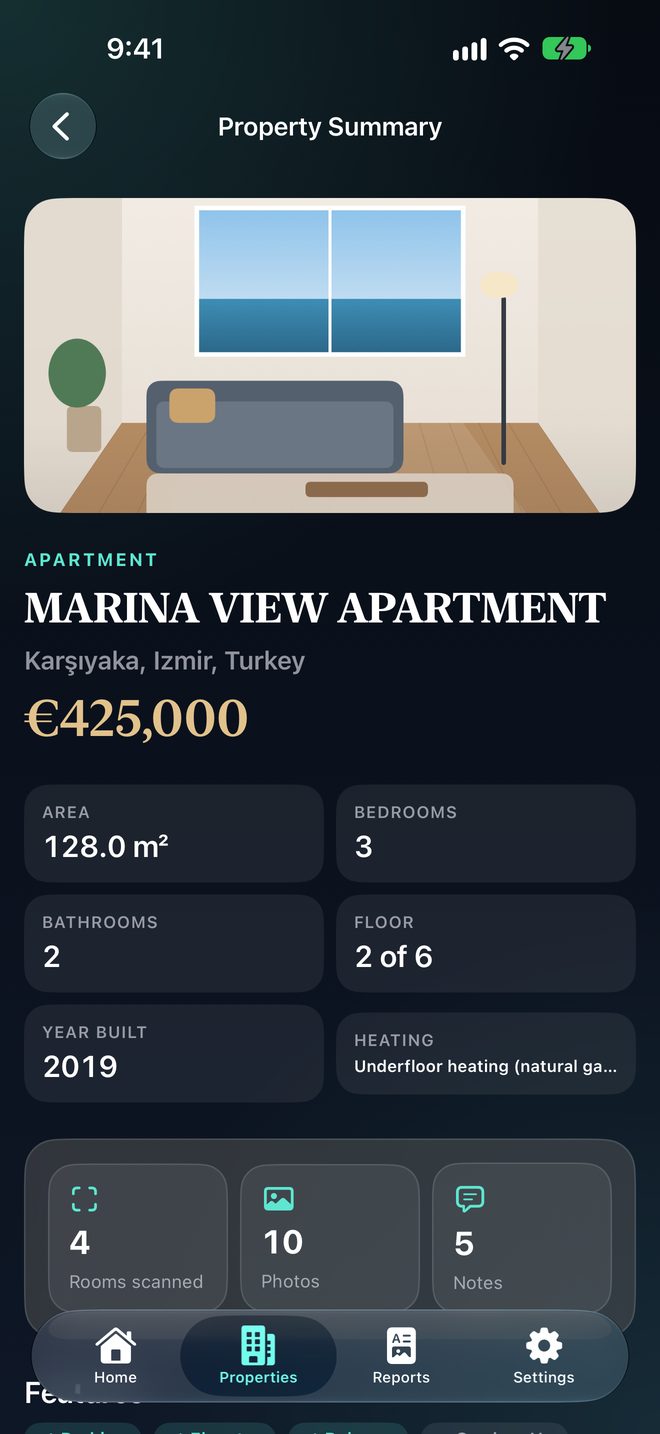
PropScan turns your property walkthrough into a professional real estate PDF using LiDAR room scanning, on-device dictation and local document generation.
Offline workflow • No account • Room scanning on compatible LiDAR devices
Built for agents who document properties on site — and want to leave with a finished property sheet.
Capture rooms, walls, openings and spatial information using Apple's RoomPlan framework on supported LiDAR devices.
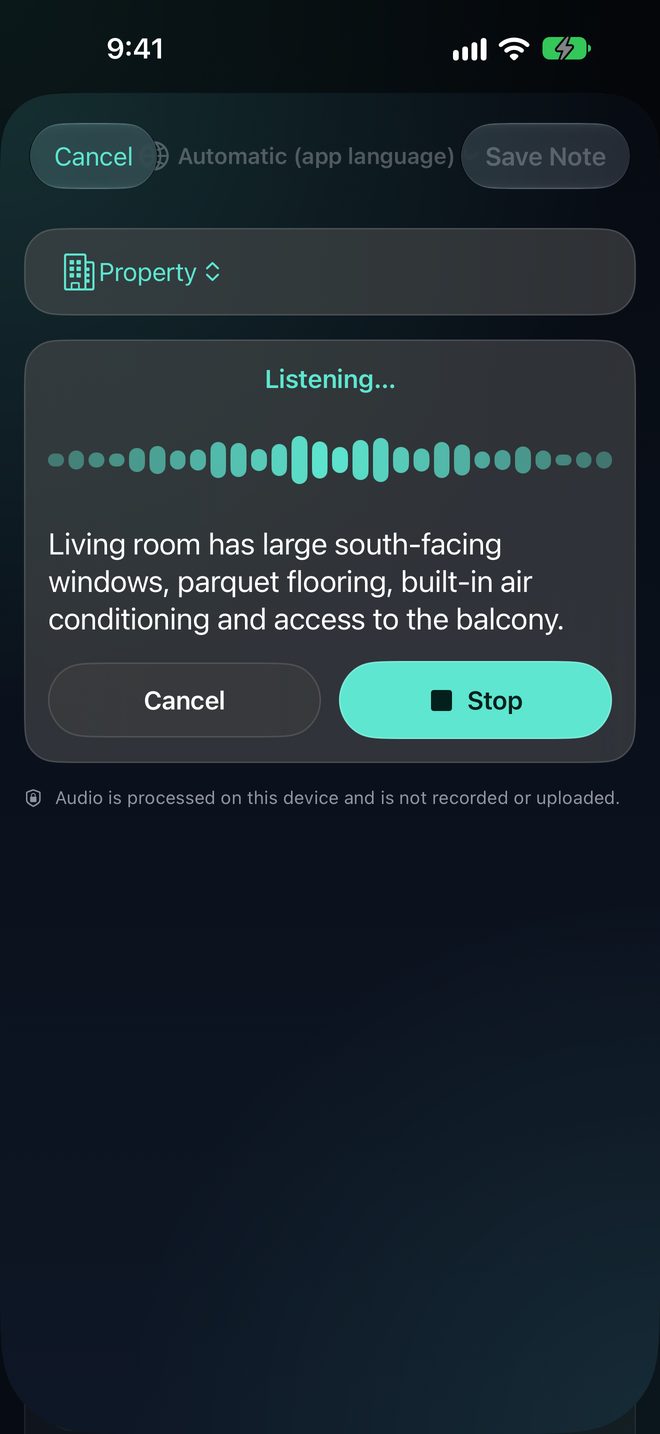
Dictate property notes using on-device speech recognition when supported.
Generate polished property PDFs directly on your iPhone.
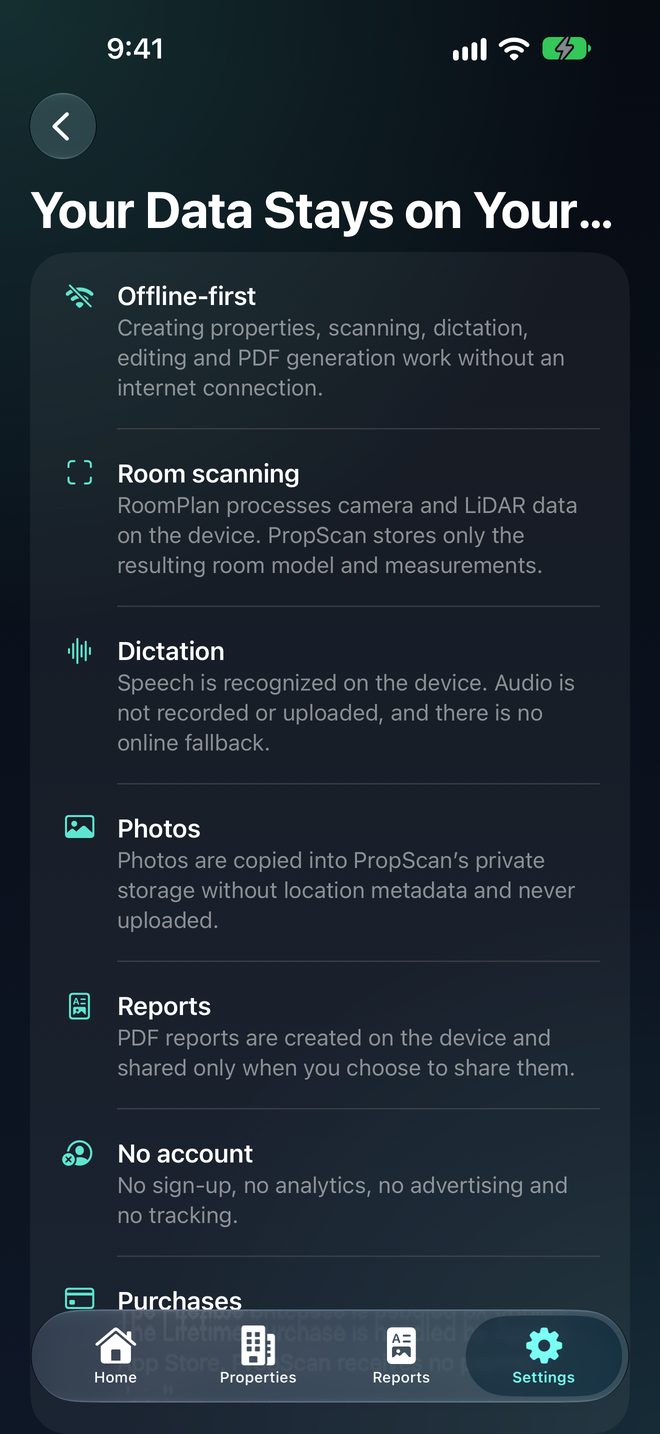
Your property data, photos, notes and reports stay on your device.
Review RoomPlan measurements and organize them by room.
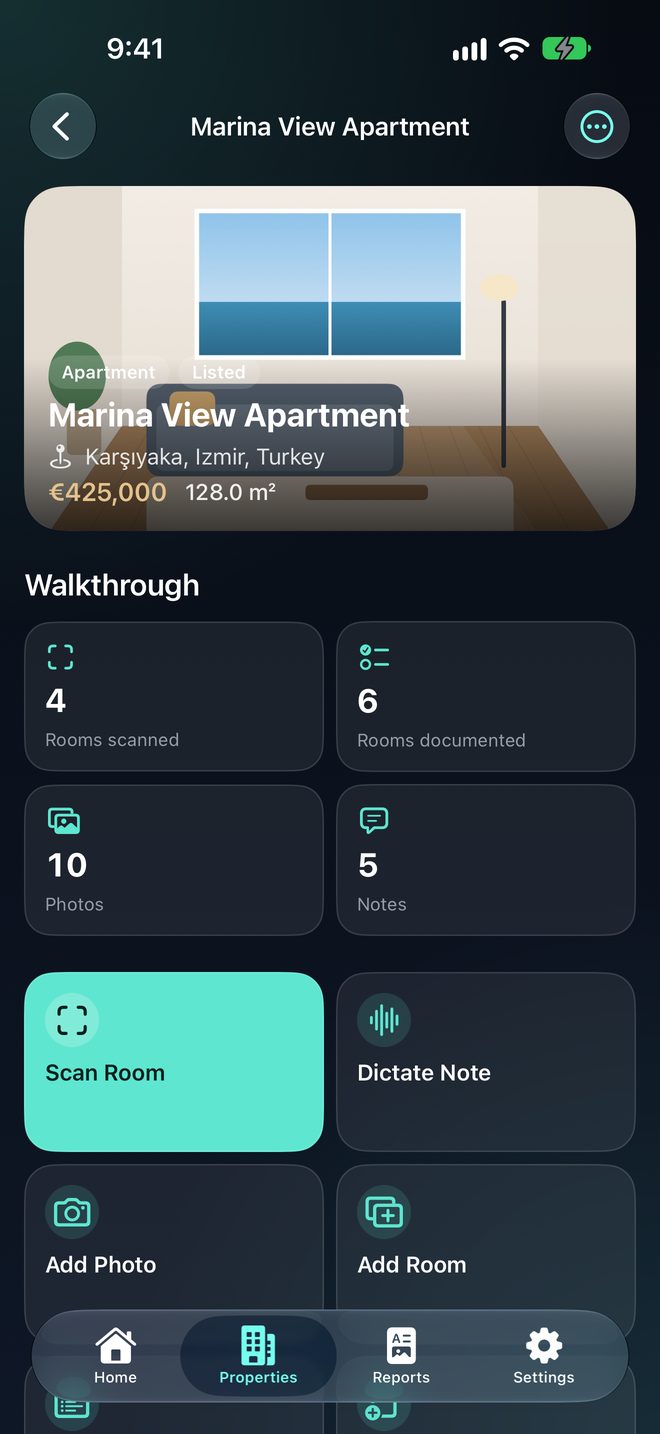
Keep property photos organized alongside each room.
Capture rooms, notes and photos as you move through the property.
No mandatory account and no cloud property database.
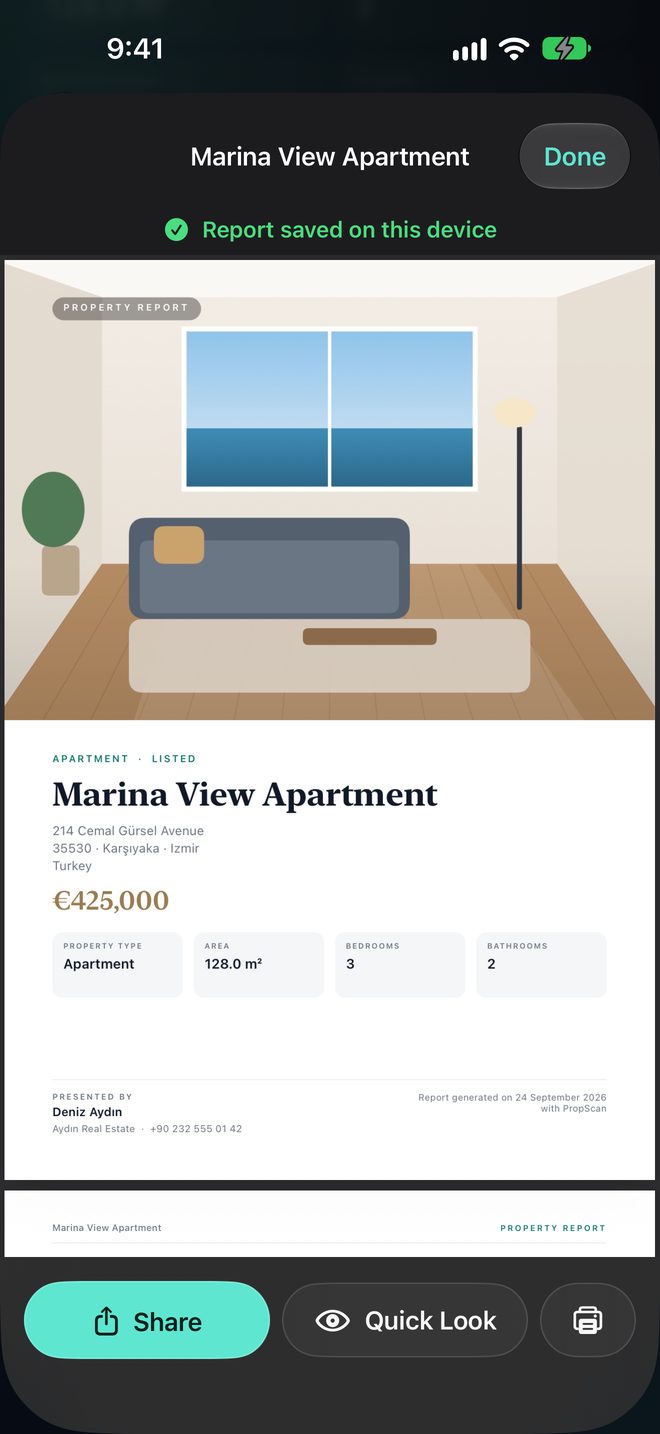
A brochure-style PDF generated on your iPhone: cover with key facts, property overview, room pages with RoomPlan measurements and floor plans, photo gallery and agent contact.
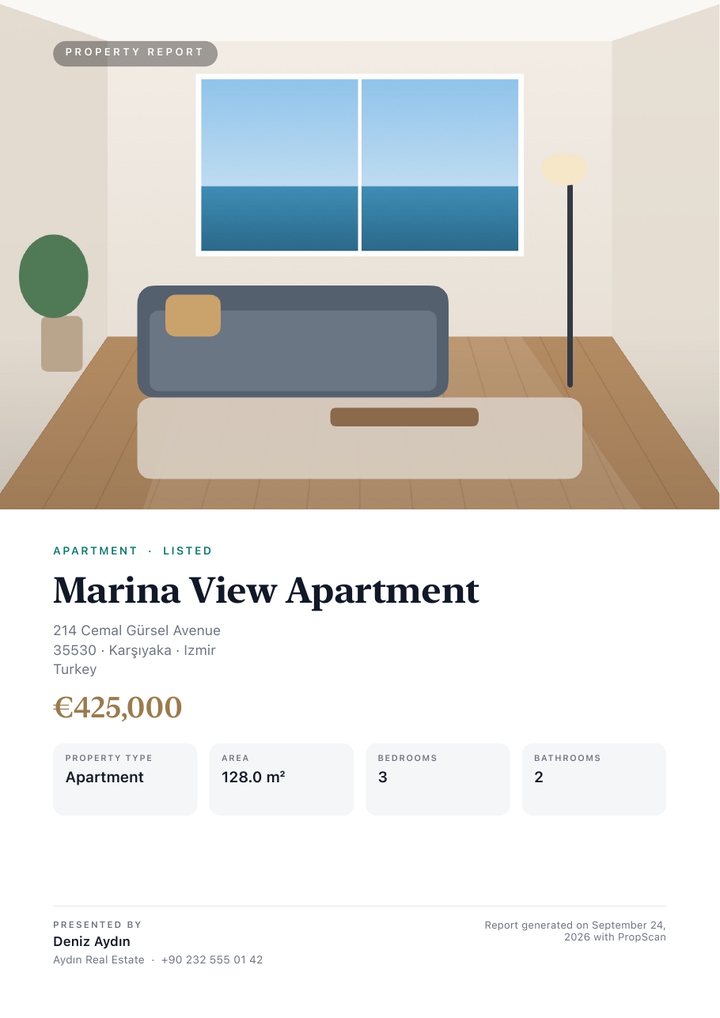
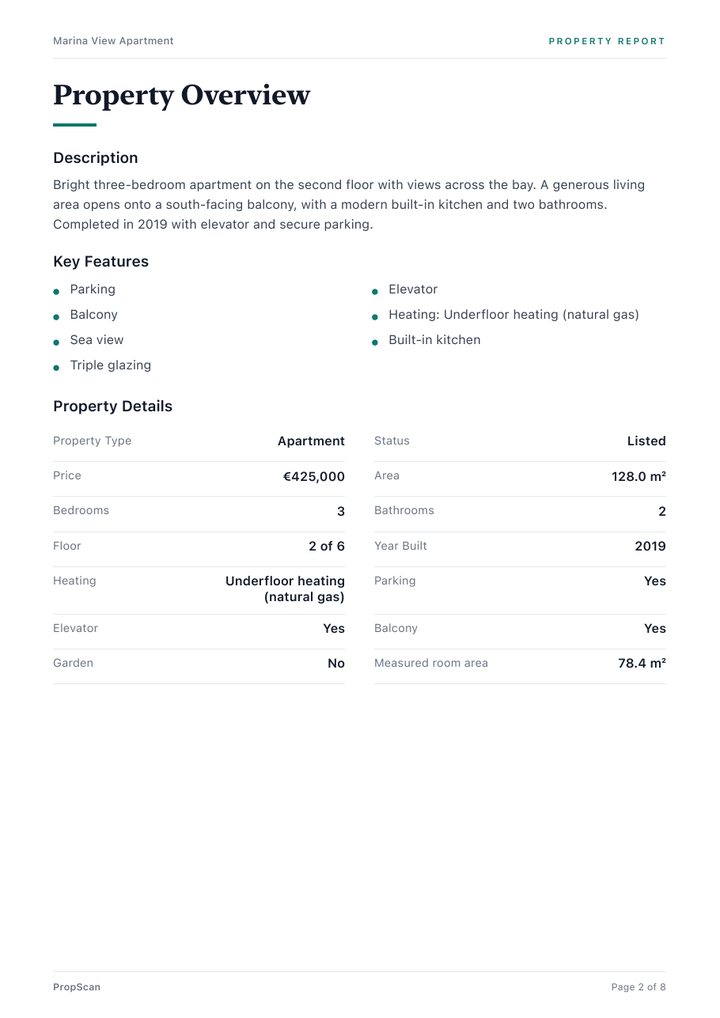
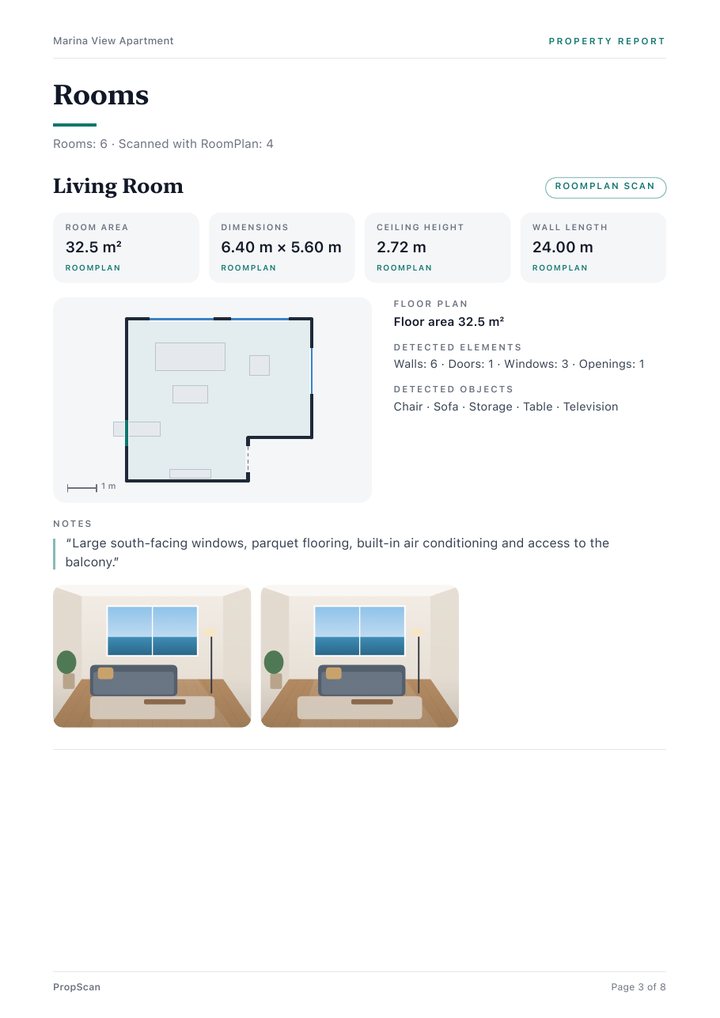
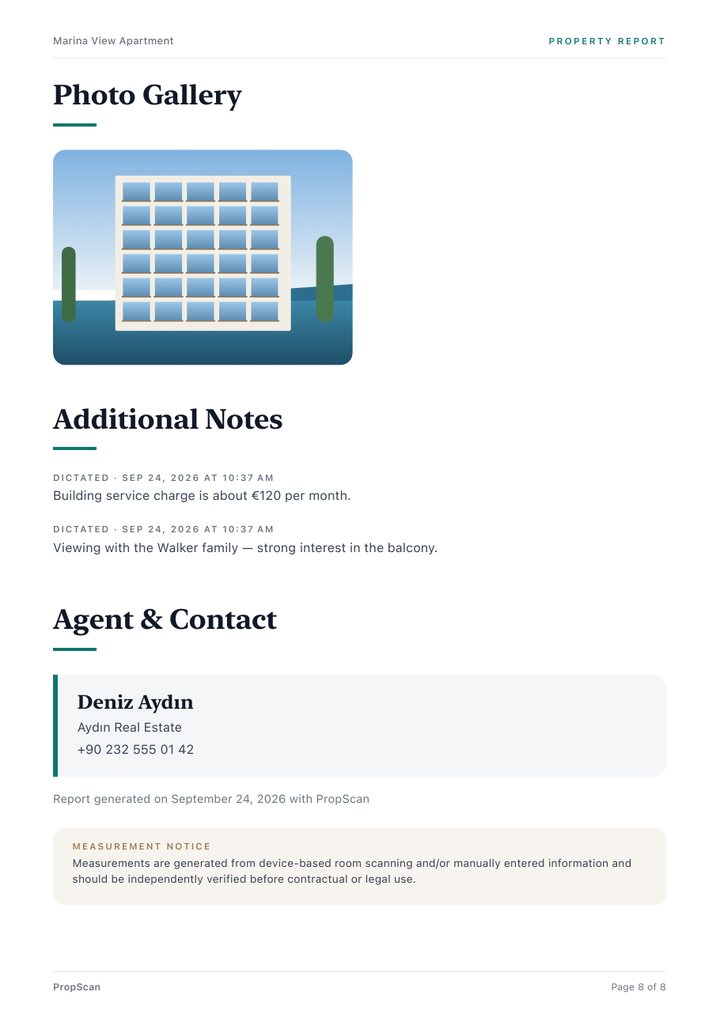
Sample report created from demo data inside the app.
From the front door to a client-ready PDF.
Privacy
PropScan has no server and no cloud property database. Scanning, dictation, editing and PDF generation run on your iPhone.
Start free. Pay once if PropScan becomes part of your work.
Free
A report counts only when its PDF is successfully created and saved.
Try 3 Free ReportsLifetime
one-time purchase
In-app purchase. Price may vary by country. No subscription.
Unlock PropScanNo, not for the core property workflow. Creating properties, scanning rooms, dictating notes, editing and generating PDFs work offline. Purchases and restores use the App Store.
No. Photos are stored only in PropScan on your device.
No. Dictation uses Apple’s on-device speech recognition where it is supported, and audio is not recorded or uploaded. If on-device recognition isn’t available for your language or device, you can type the note instead.
No. There is no sign-up and no PropScan account.
Compatible LiDAR-equipped iPhone and iPad models supported by Apple’s RoomPlan. On other devices you can add rooms and enter measurements manually.
Yes. Reports are generated entirely on your device.
Exactly 3 successful property reports. Failed or cancelled generations don’t count.
$24.99 as a one-time in-app purchase (price may vary by country). No subscription.
No. RoomPlan measurements are useful for documentation and estimation and should be independently verified before contractual or legal use.
Download PropScan and create your first 3 reports free.
Try 3 Free Reports